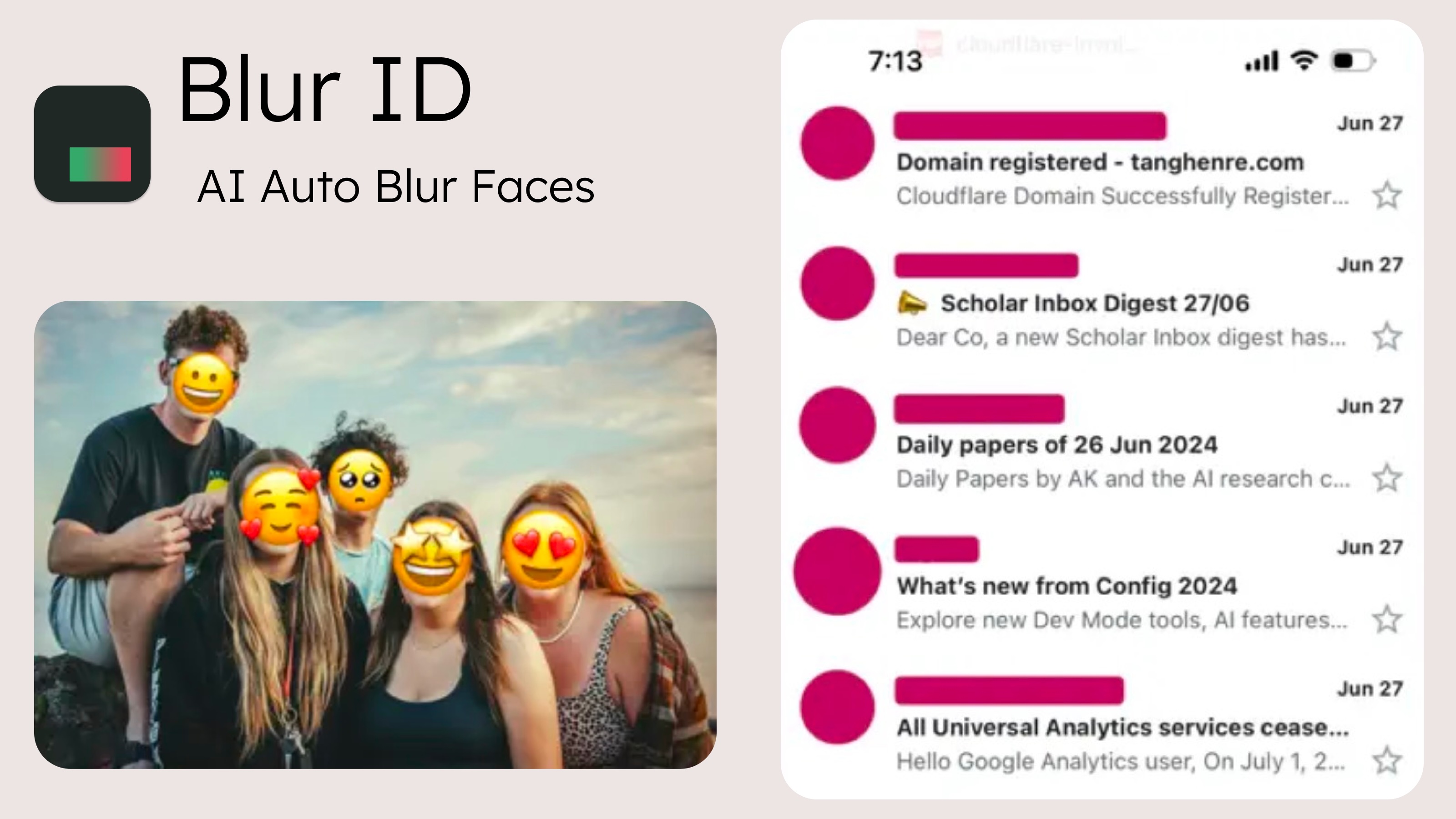
Blur ID is an iPhone app that finds the names, usernames and profile pictures in a chat screenshot and hides them without uploading the image. It is one of the eight options below, and on Android, Windows or a Mac one of the others is the one to use.
Eight options in one table
| Tool | Platforms | Finds names for you? | How it hides | Upload? | Cost |
|---|---|---|---|---|---|
| Blur ID iPhone app | iPhone, iOS 17 or later | Yes: usernames, display names, group titles, avatars | Background-matched fill, or a solid block | No. Works in airplane mode | Free with a small “via Blur ID” watermark; Premium removes it for US$0.99 a month, US$4.99 a year or US$7.99 once |
| Apple Markup | iPhone, iPad, Mac | No | Pens and filled shapes. No blur tool | Built into the system | Included |
| Google Photos Markup | Android | No | Pen, Highlight, Text | Not stated on Google's help page | Included with Google Photos |
| Snipping Tool | Windows 11 | No. Finds email addresses and phone numbers | Quick redact; pen, highlighter, shapes | Microsoft: recognition is “performed locally on your device” | Included with Windows 11 |
| Snagit | Windows, macOS | No. Finds nine other data types | Blur, pixelate or solid shapes | Not stated on the pages we read | Paid; price not checked |
| CleanShot X | macOS 13 or newer | No | Blur and Pixelate tools | Mac app | US$35 once (Basic, one year of updates) |
| ShareX | Windows | No | Blur and Pixelate tools | Windows app | Free, open source |
| redact.photo | Any browser | No | Scales down, shifts pixels, then blurs | The site states it uploads no data | Free, per the site |
Which one to use
Ordered by how much the tool does for you, not by score.
- For chat and social screenshots on iPhone: the Blur ID app (made by the publisher of this page). It detects usernames, display names, group-chat titles and avatars, erases the text with a fill sampled from the background and swaps each avatar for a placeholder. It also marks phone numbers, emails and addresses. Steps: blur names in a screenshot and hide a chat screenshot.
- For email addresses and phone numbers on a Windows 11 PC: Snipping Tool. Quick redact hides the email addresses and phone numbers it finds in a snip; Microsoft says the recognition runs locally.
- For work screenshots with many kinds of data, on Windows or Mac: Snagit. TechSmith lists what Smart Redact detects: addresses, credit card numbers, dates, emails, faces, IP addresses, phone numbers, social security numbers and URLs, but not people's names.
- For one or two names with nothing to install, on iPhone, iPad or Mac: Apple Markup. In Photos, tap Edit, then Markup, then Add and Add Shape; set a fill colour at full opacity and drag the shape over the name. Markup on a Mac has the same Shapes and Fill Colour controls.
- For a blur placed by hand on a Mac: CleanShot X. Its feature list describes Blur “with secure and smooth options” and Pixelate “with applied randomization for better security”.
- For a free editor on Windows: ShareX. It is free and open source, and lists Blur and Pixelate among its editing tools.
- On Android, by hand: Google Photos Markup. Google's help page lists Pen, Highlight and Text, and no blur or redact tool, so paint over the name with the pen.
- Another browser option: redact.photo. The site states that “all editing happens in your browser” and that it uploads no data. We have not audited that.
If the screenshot also shows phone numbers, addresses or a QR code, see hiding personal info in screenshots; for dating-app chats, see dating app privacy.
Blur, pixelate or cover?
The three are not equally safe for text. Bishop Fox published a tool that turns pixelated text back into readable text, and TechSmith's Snagit documentation notes that “some third-party tools can reverse blur or pixelation” and recommends solid shapes. For anything that must stay hidden, use a solid cover or a fill that removes the pixels.
When to use something else
- A video, or a batch of screenshots. The app takes one still image at a time.
- Phone numbers and emails found for you on a PC. Snipping Tool or Snagit.
- A very long stitched screenshot. The app detects those poorly, so split them into normal-length screenshots first.
- An image that is not a chat or a feed. Names there are detected less reliably; mark them by hand.
- An export with no mark, for free, or freehand drawing. Apple's Markup.
How we compared
On 10 October 2026 we read each product's own documentation or product page and recorded what it says; the pages are listed under Sources. We did not time the tools or measure detection accuracy, and a feature a vendor does not document is treated as absent. What this page says about Blur ID describes our own products as they are today.
This page is published by the maker of Blur ID, so read it as our argument rather than a neutral review; where it disagrees with another product's own documentation, believe theirs.